Practice.
Every job, due date and person in one list, moved along by your own automations.
AI workflow automation
When this happens, do that. Set a status, email the client, notify a teammate or create the next job. Build each one yourself, or ask your own AI to build it.
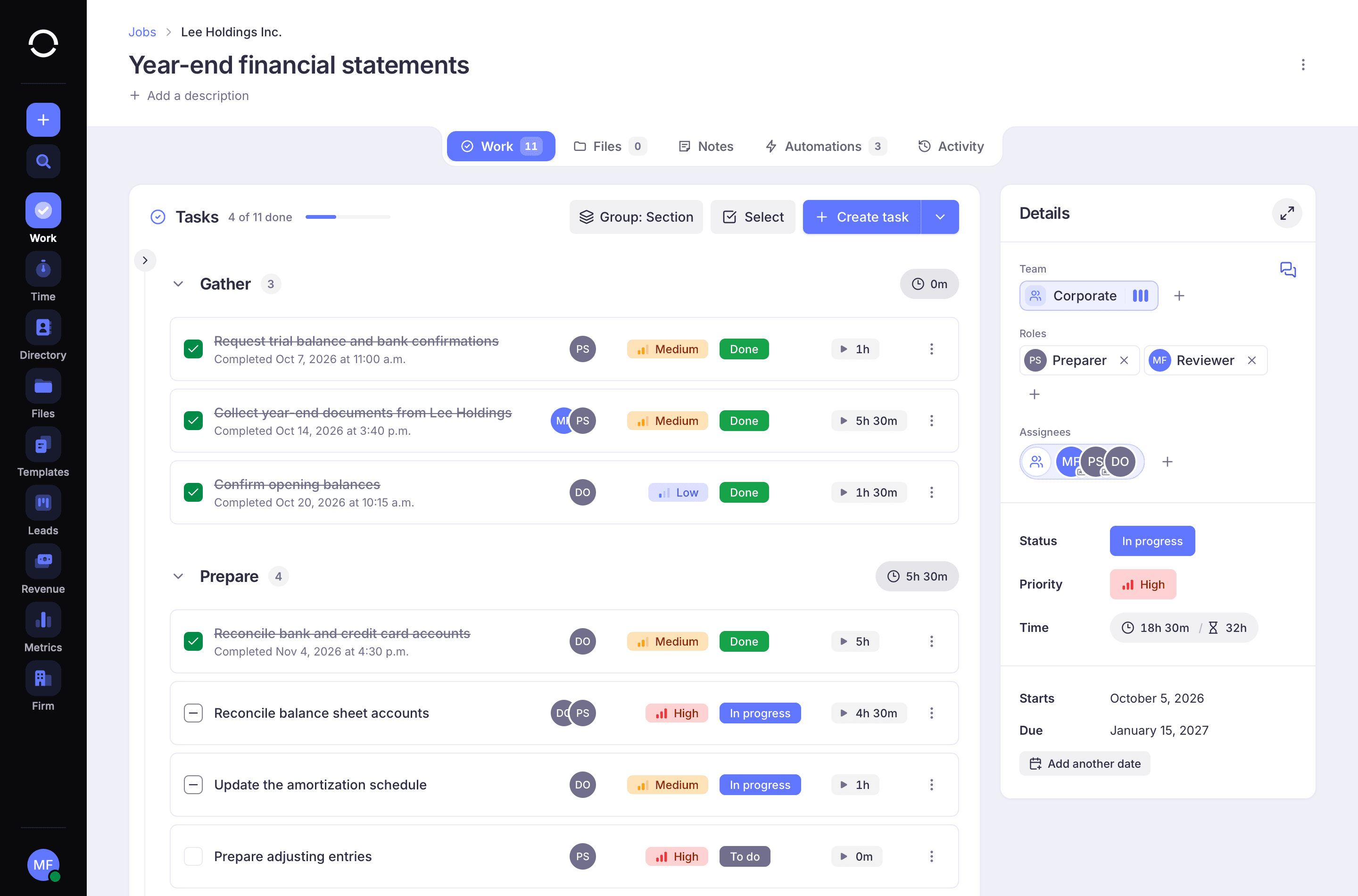
Jobs and tasks
Your own statuses, with assignees, roles, priorities and due dates.
- SectionsGroup the tasks the way the work goes.
- Your own statusesNamed and coloured by you, on the job and on every task.
- PrioritiesOn the job, and on each task.
- Time on every taskLog time, or start a timer, on the task itself.
- A team, roles and peopleA team, the client’s roles, and each person on the job.
- Hours against the budgetThe time logged on the job, beside its budgeted hours.
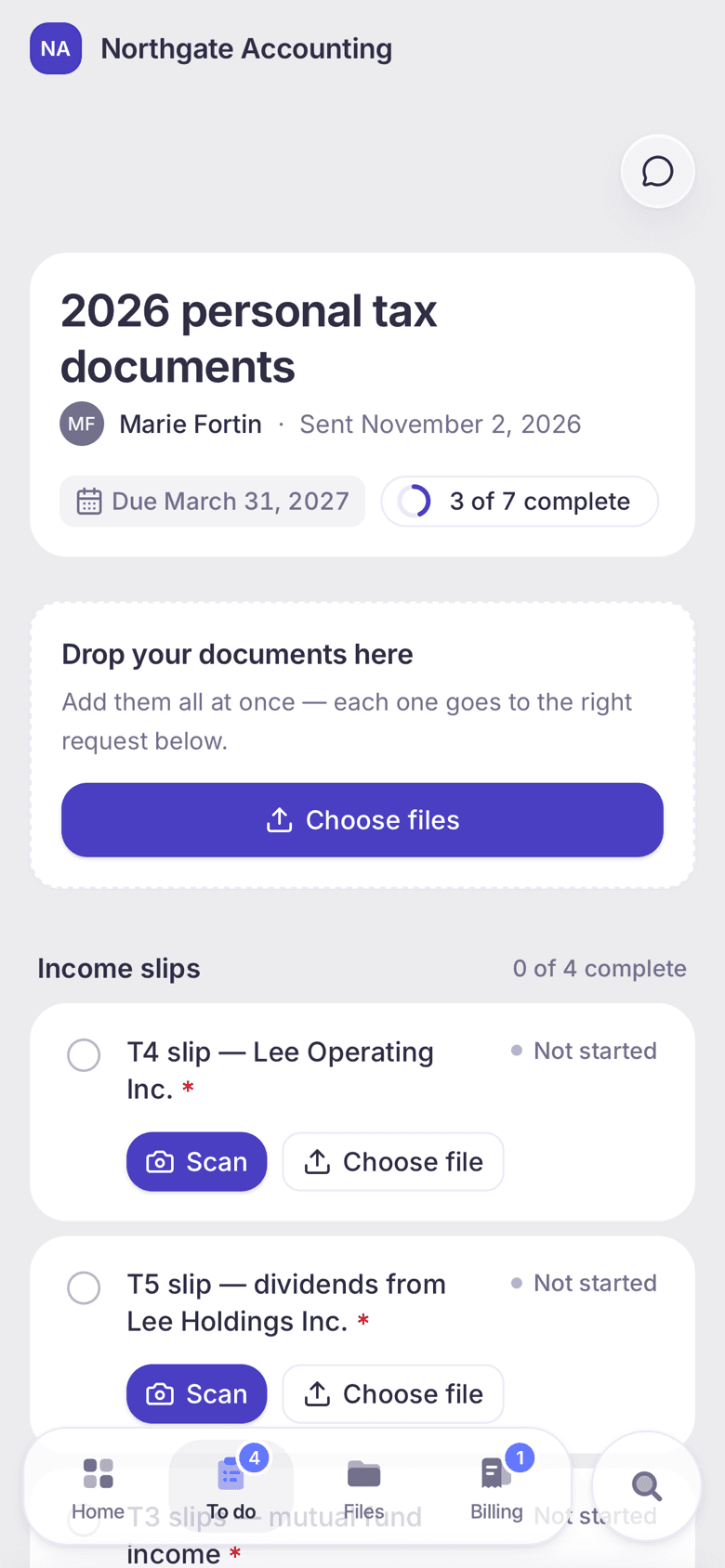
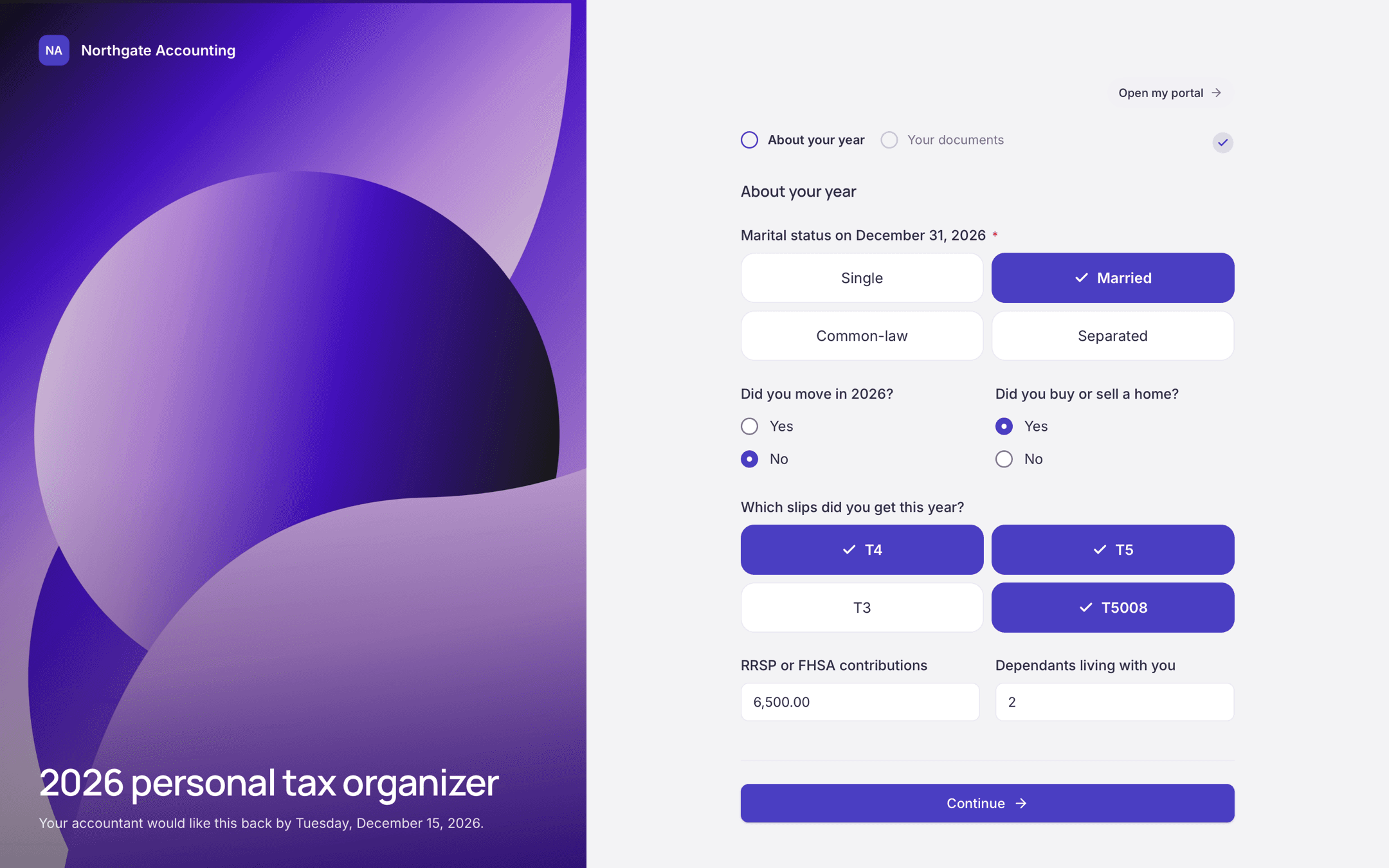
Document and form requests
A line for every slip, and forms from one question to a full tax organizer. Reminders until everything is in.
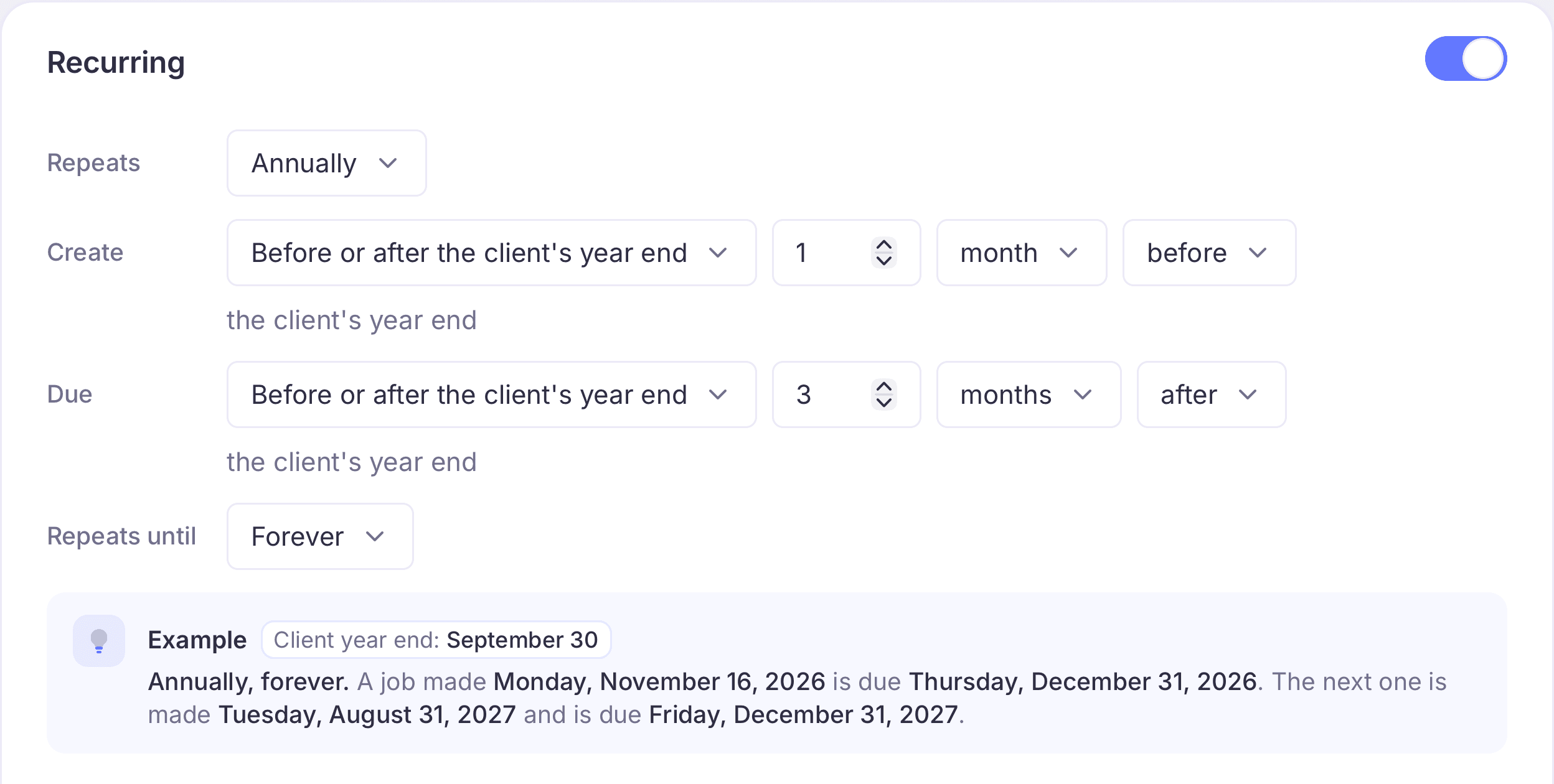
Recurring jobs
Set a job to repeat, weekly to annually. An annual job can open a set time before or after each client’s year end, with its tasks and due date already in place.
Files
Every client’s folders, and what each client can see in their portal.
Your files in File Explorer
Vylan Drive puts every client’s folders in File Explorer on Windows. Rename, move or drop a file there and it changes in Vylan, and the other way round.
Unlimited e-signatures
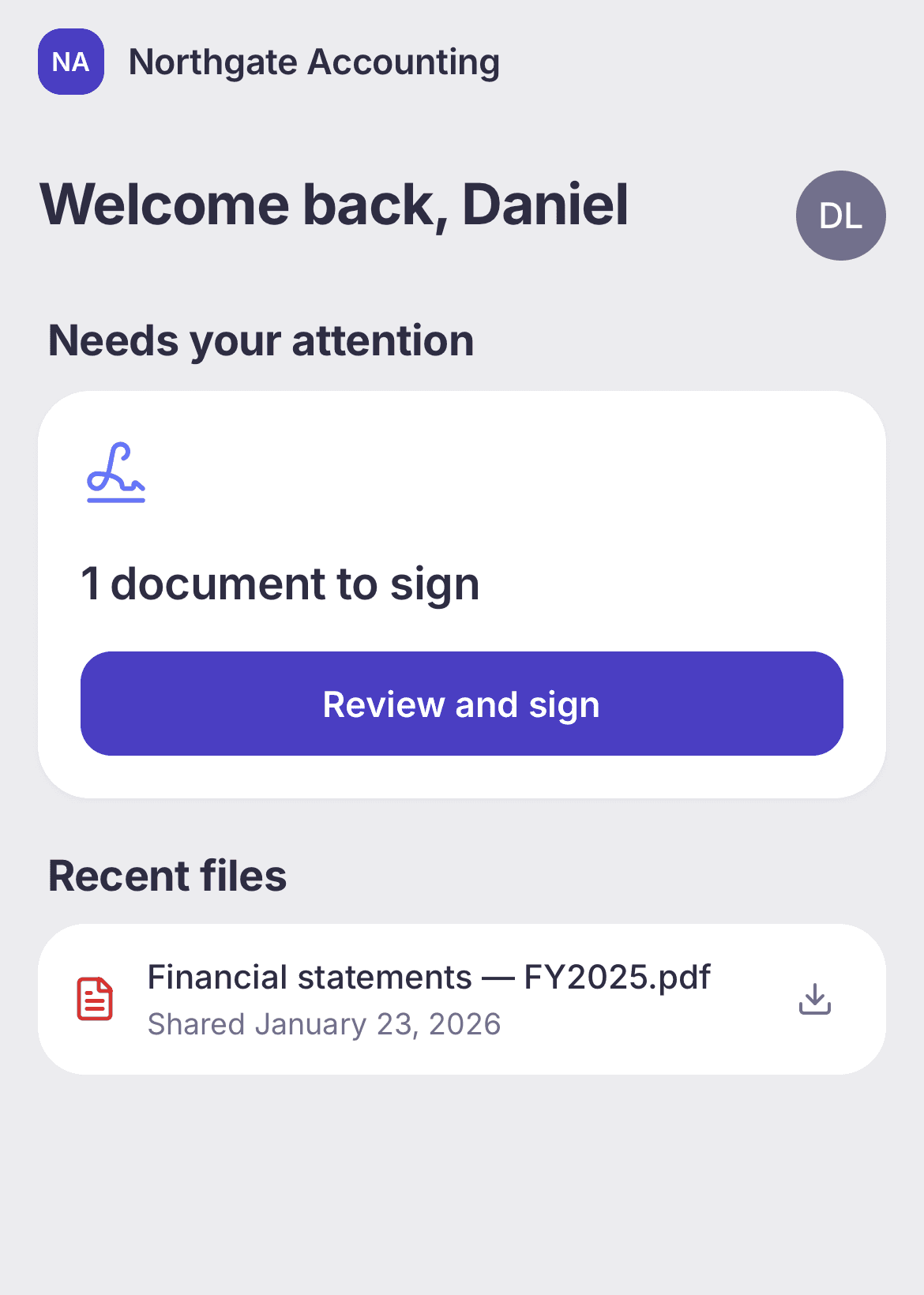
Send a document to sign right from Files, as many as you need. Your client signs on their phone, and every signature keeps a tamper-proof audit trail.
AI that works across all of it.
Every upload checked as it arrives, and the Vylan connector for ChatGPT and Claude, so your own AI can build your workflows.